Co-founder / CTO
Osiris
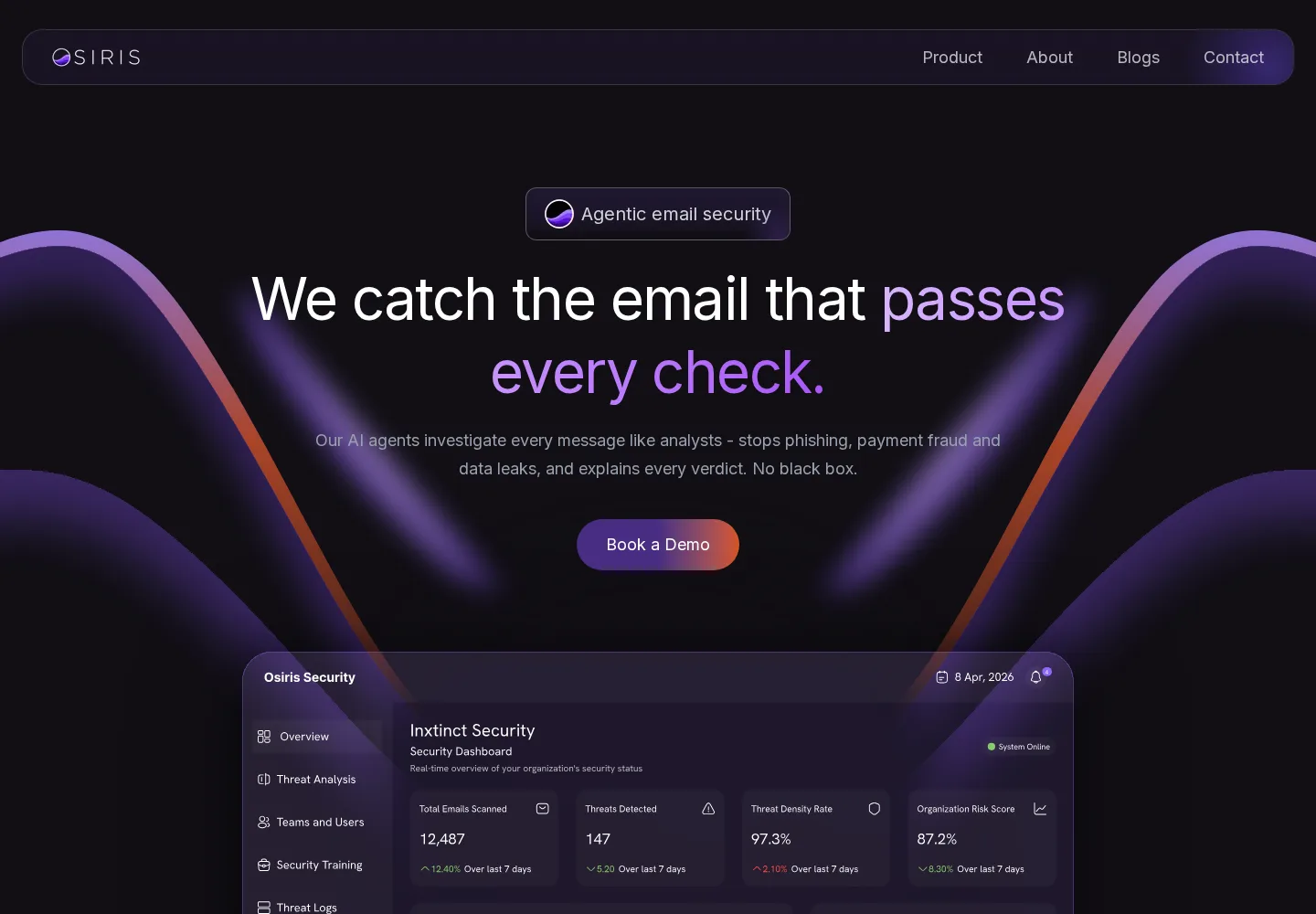
Catching the emails that look fine until you read them properly.
01 / Context
A convincing email is now easy to make.
Poor grammar and clumsy formatting used to make many scam emails easy to spot. Generative tools have removed those tells. A convincing message is now cheap to produce.
The stronger clue is often the situation around the message. Is this how the sender normally writes? Does the request belong in this thread? Would this person ask for this action through email at all?
02 / The difficult emails
The messages that look clean, but feel wrong.
The payment request
A short, plausible note from a senior name asking for an urgent transfer.
The bank-detail change
A supplier updating account details mid-thread, from a lookalike domain.
The credential request
A login prompt that mirrors an internal system and arrives at a believable moment.
The confidential document
Sensitive material shared outward without anyone intending harm.
The misdirected attachment
The right file, the wrong recipient, one autocomplete away.
The unusual data export
A routine-looking email that sends sensitive records to a recipient who has never received them before.
Does this request make sense — from this sender, through this channel, right now?
Identity. History. Intent. Context.
Authentication, reputation, links and attachments still matter. Osiris keeps those checks, then examines the sender, language, history and request together. The aim is not to replace existing security controls, but to catch what they cannot see on their own.
Inbound
For incoming mail, Osiris looks for phishing, impersonation, social engineering and business email compromise, including messages that only become suspicious when compared with earlier conversations.
Outbound / DLP
For outgoing mail, it looks for sensitive information leaving by mistake or without a good reason, from a mistyped recipient to a confidential attachment sent to the wrong organisation.
The message01
A believable request
A short, well-written payment or credential request arrives at a moment when it would not look out of place.
Technical layer02
Nothing obviously broken
Authentication, reputation, links and attachments are checked first. A clean result still does not prove that the request is genuine.
Context layer03
Identity meets intent
Osiris compares identity, conversation history, language, timing and the requested action to find the mismatch that a technical check misses.
Outcome04
A reasoned intervention
The user or analyst sees why the message was flagged, the evidence behind that decision and the next action, from a warning to quarantine.
03 / Capabilities
What the platform covers.
Inbound
- Inbound email security
- Outbound email security
- Phishing detection
- Social-engineering analysis
- Impersonation analysis
- Business Email Compromise indicators
- URL analysis
- Attachment analysis
- SPF / DKIM / DMARC signals
- Sender and domain analysis
Outbound / DLP
- Data Loss Prevention
- Sensitive-information detection
- Accidental disclosure detection
- Misdirected-email detection
Platform
- Behavioural context
- Semantic AI analysis
- Risk scoring
- Incident investigation
- Quarantine workflows
- Administrator security dashboards
04 / Investigation
The evidence behind the decision.
Technical evidence
- SPF / DKIM / DMARC
- Domain signals
- Links
- Attachments
Contextual reasoning
- Sender identity
- Communication history
- Intent
- Behavioural context
Decision record
- Severity and confidence
- Timeline
- Audit trail
- Analyst actions
05 / Deployment
Built around organisational control.
Every organisation has different rules about what email data can be analysed or retained. Osiris gives administrators control over both, so the product can fit the organisation's own privacy and security requirements.