QR code
Resolve and assess its destination before the person follows it.
Co-founder / CTO
Making online security easier to understand and act on.
01 / The problem
Security software often tells people that something may be dangerous, then asks them to work out why and what to do next. The person with the least context is left making the hardest decision.
02 / The idea
I wanted the product to do the next part too: explain the problem plainly, suggest a sensible response and, where appropriate, take the action with the user's permission.
Traditional
Inxtinct
03 / The product
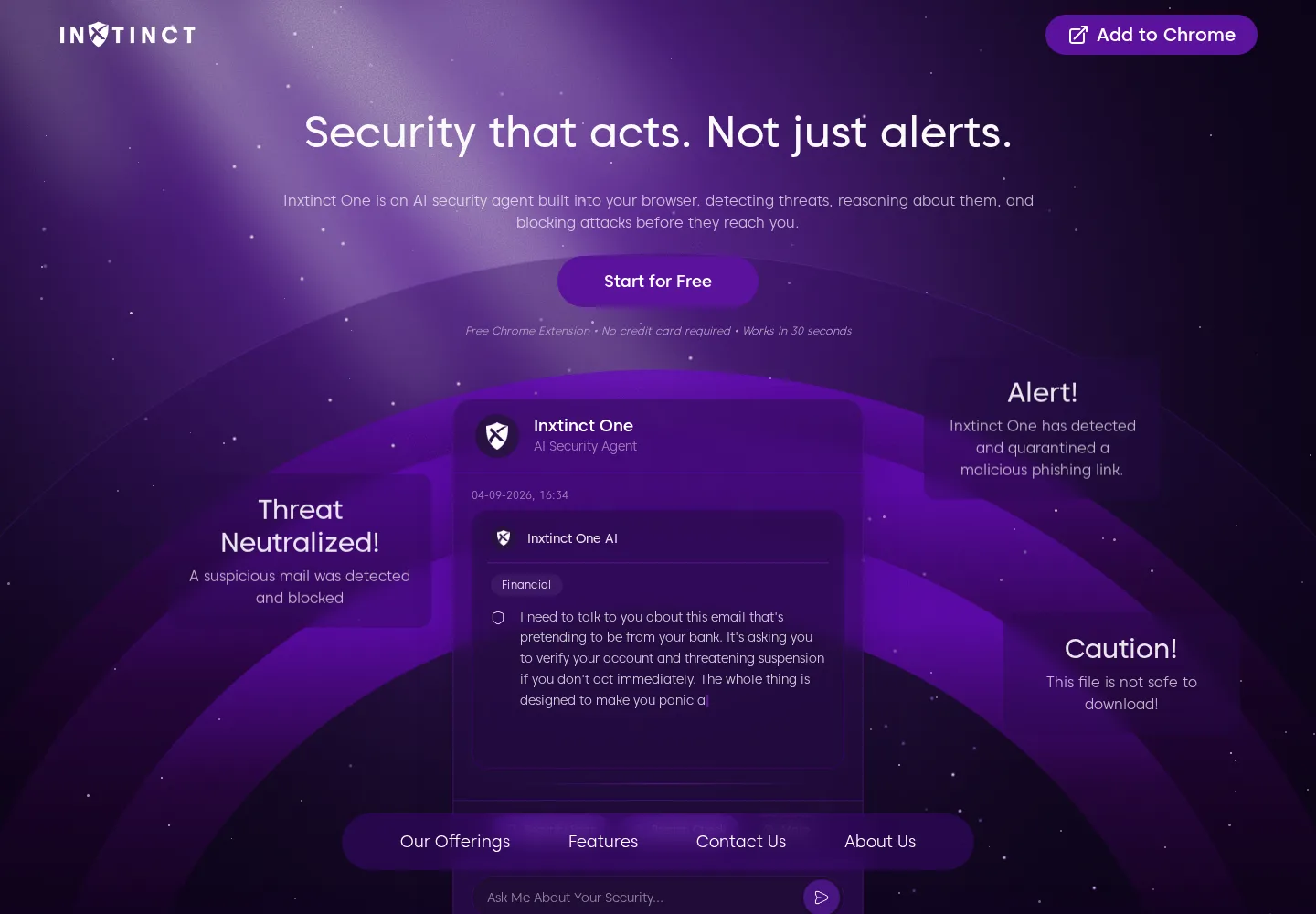
Inxtinct One is a browser security assistant that checks the links, sites, QR codes and accounts people encounter during an ordinary day online.
04 / Building the company
Experimental concept
Cyber Lens asks what personal security could look like through smart glasses or a companion device, where a risky prompt can begin on a poster, screen or printed notice rather than in a browser tab.
A QR code on a poster or a shortened link on a public screen can start a digital interaction before a browser has enough information to help. The idea is to give people a useful warning at the point where that interaction begins.
A research concept. Not commercially available.
Observe
Recognise a digital signal in the person's field of view.
Understand
Resolve the destination and assess the surrounding context.
Explain
Translate the signal into a clear, proportionate safety cue.
Assist
Offer a safe next step while leaving control with the person.
QR code
Resolve and assess its destination before the person follows it.
Suspicious URL
Surface domain and intent signals without demanding technical interpretation.
Digital screen
Connect an on-screen request with the context in which it appears.
Physical notice
Recognise when a real-world prompt leads into a potentially unsafe digital action.